MCP and AI tool security: what to check before connecting your agents
A practical security checklist for connecting AI agents to MCP servers, internal tools and external APIs.
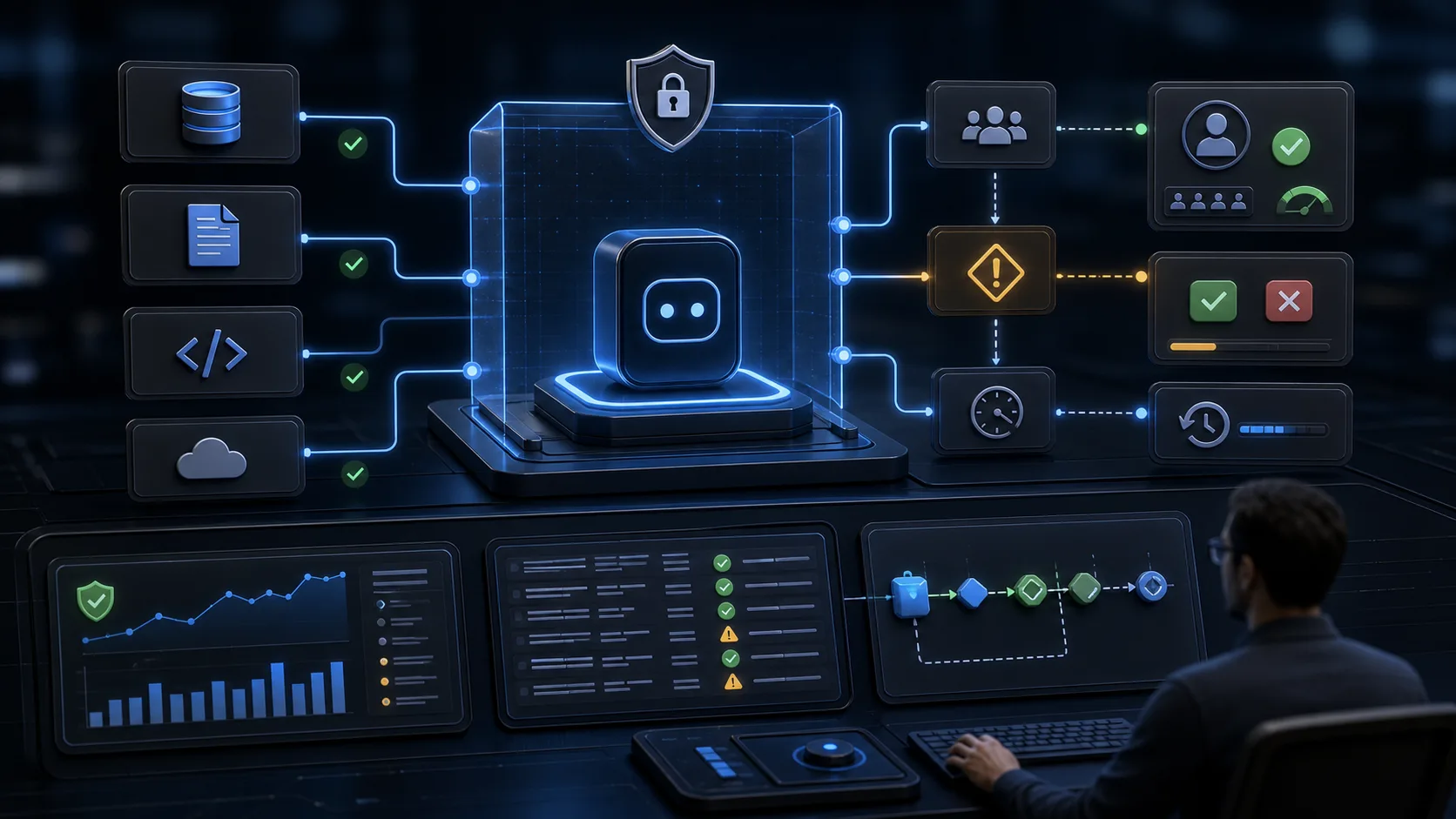
MCP servers and tool connectors make agents useful because they turn model output into action. That same power changes the risk profile. A safe connector plan starts before the first tool call: what data is exposed, what actions are allowed, what gets approved, and what evidence remains afterward.
Problem
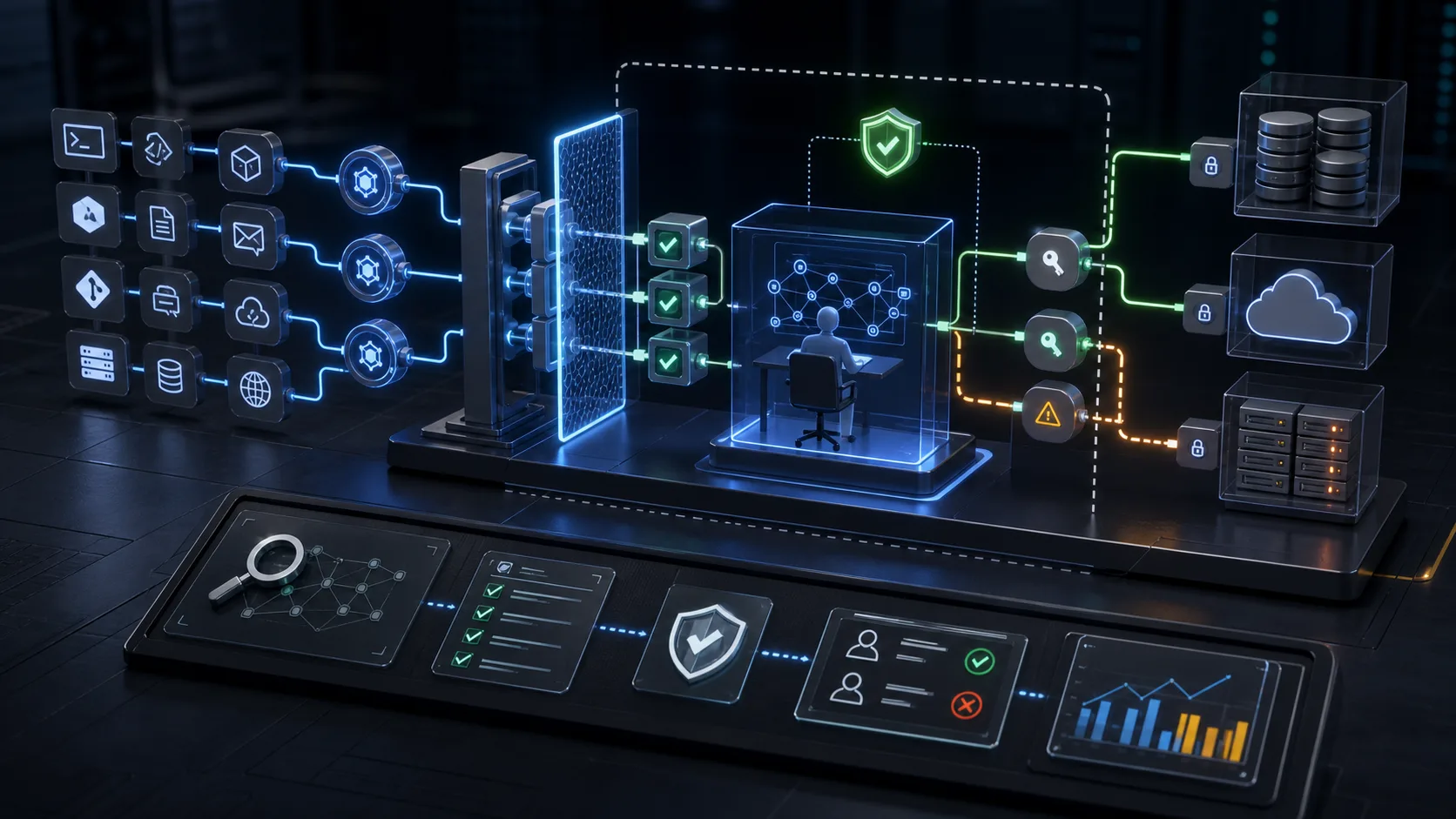
Teams often connect broad tools to agents because the demo feels faster. The agent then receives more context than it needs, can trigger wider actions than expected, and may be influenced by untrusted text coming from documents, tickets or webpages. Tool security is not only prompt design. It is access control, review, observability and recovery.
Practical checklist
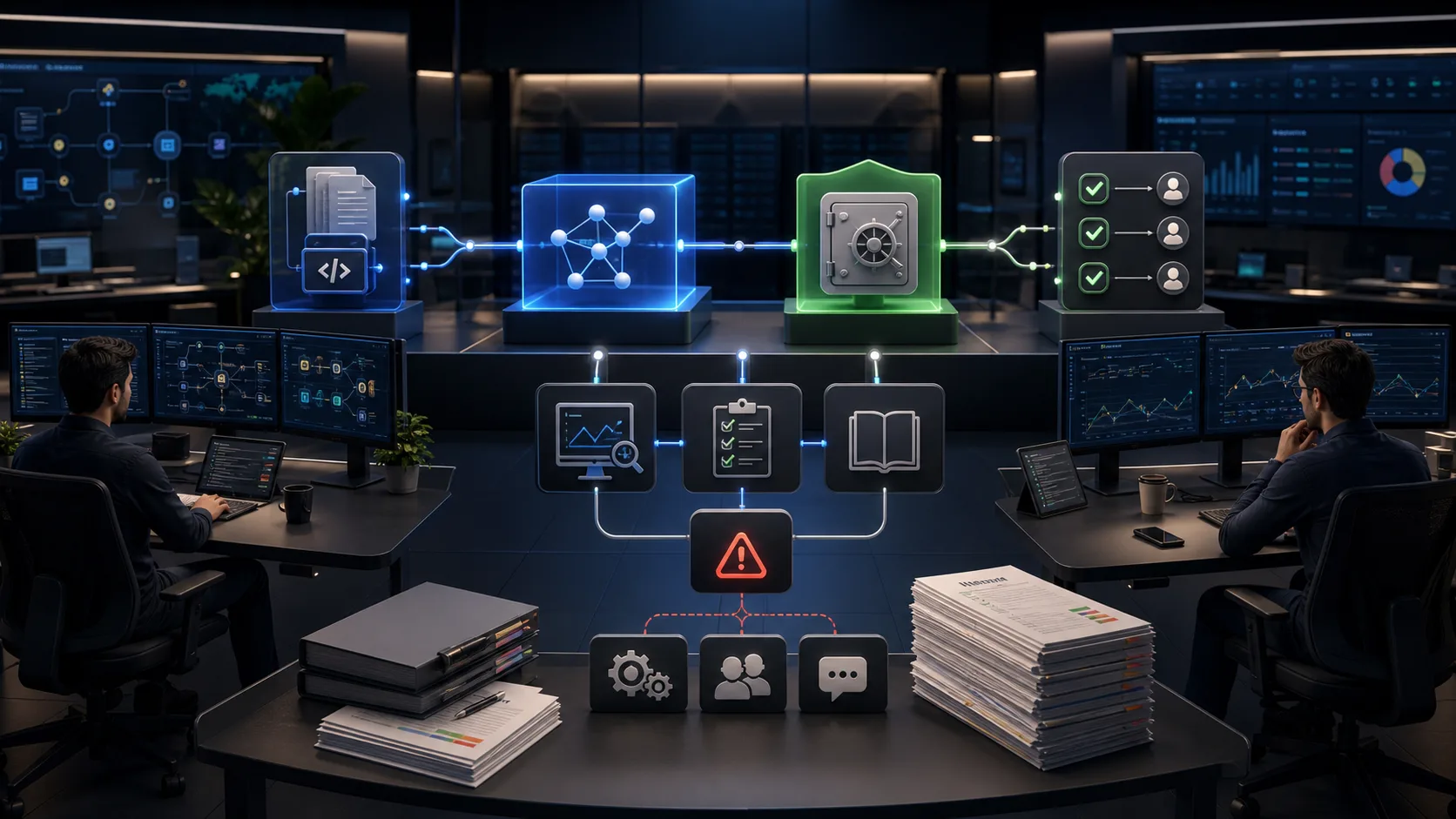
- Inventory every tool, owner, permission and data class before launch.
- Keep secrets, tokens, API keys and credentials outside prompts and user-visible context.
- Use least privilege for each MCP server, connector and API credential.
- Separate read, draft, approve and execute actions into different tool capabilities.
- Require approval gates for writes, deletes, purchases, deployments, account changes and transaction preparation.
- Log prompts, tool calls, returned summaries, reviewer decisions, errors and manual overrides.
- Define rollback, escalation and disable paths for every high-impact workflow.
Implementation notes
A good first production shape is a read-only agent that produces a proposed action package. Humans inspect the package, approve it, and the system executes through a narrower service account. Once the logs prove that the flow is stable, only low-risk actions should move toward automation.
Mistakes to avoid
- Using one powerful token for every connector.
- Allowing untrusted content to instruct tool behavior.
- Skipping trace logs because the connector is internal.
- Letting agents execute irreversible actions without a reviewer.
- Treating rollback as an operations detail instead of a launch requirement.
How Nexuain helps
Nexuain maps agent-tool boundaries, reviews MCP connector risk, designs approval gates and builds logging patterns that make AI workflows easier to inspect before they affect real operations.
Nexuain practical implication
Give agents narrow permissions, durable logs and reviewer-visible evidence. A useful agent should make approval easier to inspect, not easier to skip.
Source registry
- OWASP 2025: source used to check LLM application risks and agent tool boundaries. Nexuain interpretation: turn the reference into owners, evidence, permissions and human review.
- NIST 2023: source used to check AI risk management and governance framing. Nexuain interpretation: turn the reference into owners, evidence, permissions and human review.
- CISA 2023: source used to check secure defaults and software accountability. Nexuain interpretation: turn the reference into owners, evidence, permissions and human review.
Related blog routes
Need help applying this to your launch or workflow?
Request a technical review and we will map the safest first step.